
Why reorder files matter when packaging must stay consistent
For flexible packaging, a reorder is not just about sending the same artwork again. It is about making sure the correct version is used, the right substrate is selected, and the print setup matches the last approved job. A small change in a barcode, shade or seal area can affect how the pack looks and how it runs on the machine.
Good reorder file management helps local brands keep their packaging consistent across monthly production cycles. That matters whether the product is moving through retail shelves in Durban, being packed for distribution in Johannesburg, or sent coast to coast during a busy seasonal run. When files are organised properly, repeat work becomes quicker and there is less back and forth before production can start.
At our Pinetown base, we see how useful clean records are when a customer needs the same pouch artwork months later. The right file should show the approved layout, the print version, the size, the material notes and any special finishing details. If those are kept together, the next order is easier to release with confidence.
What should sit in a proper reorder file pack
A reorder file pack should be more than a single artwork document. It needs enough information for production, prepress and dispatch to work from the same reference. That reduces the risk of using an old revision or missing a key note from the last run.
- Approved artwork in the correct format and size
- Job reference number and customer name
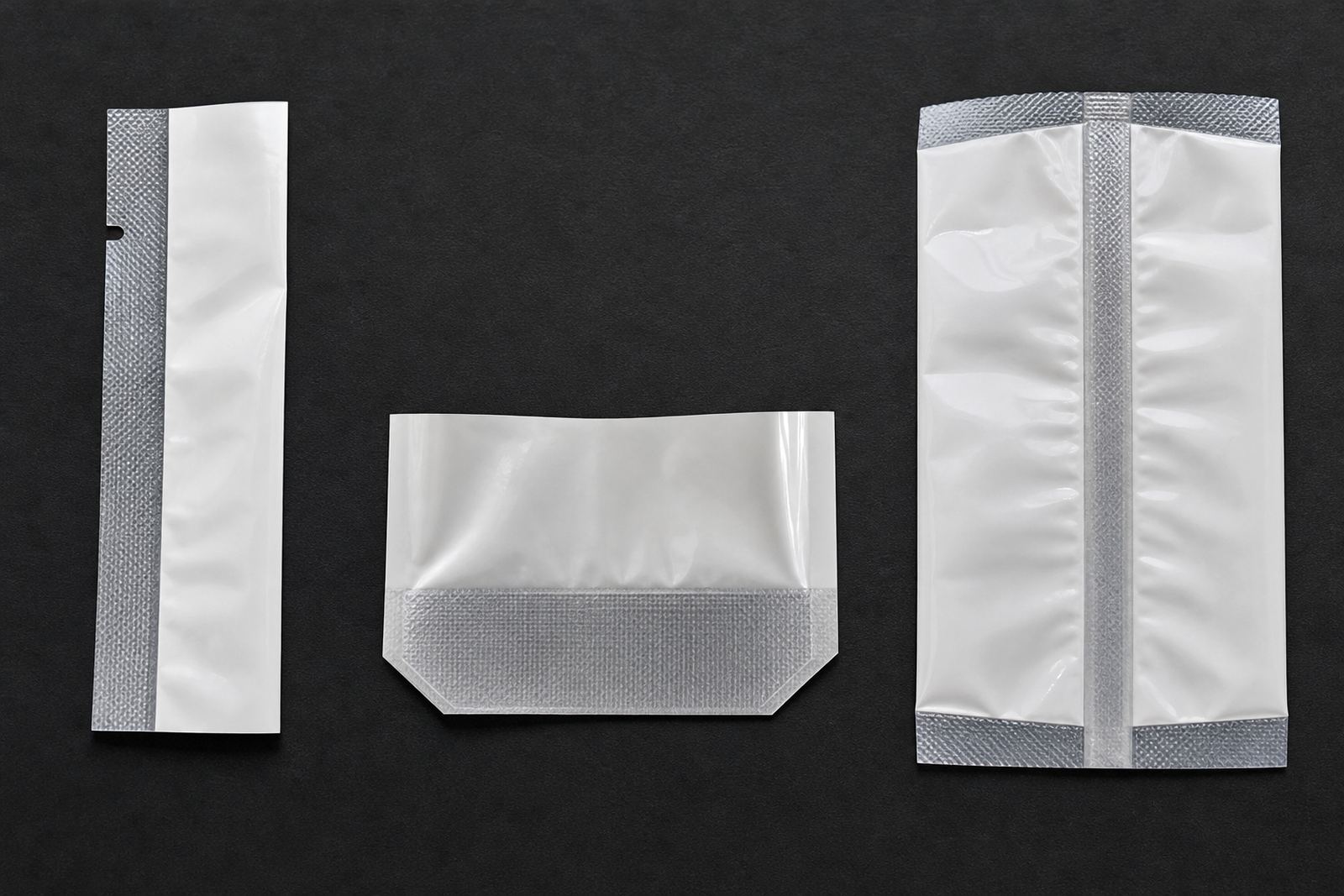
- Pack type such as pouch, sachet or wrap
- Material notes and thickness details
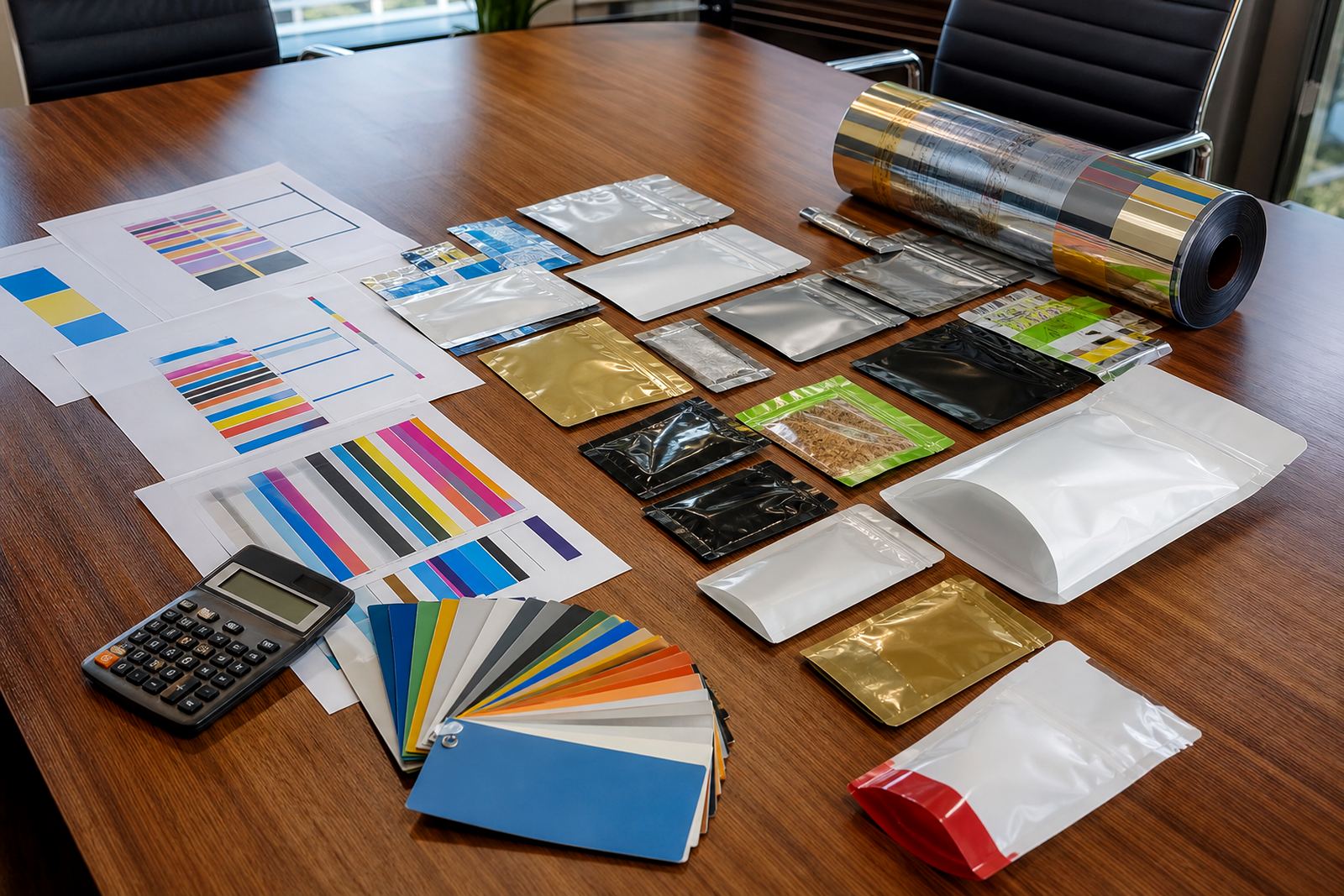
- Colour references or previous colour targets
- Cut size, seal area and any special finishing notes
- Barcode, batch code or date code position if applicable
- Last approval date and any revised instructions
Keeping this information together makes it easier to prepare repeat production, especially when different people handle the job at different stages. A sales manager may receive the order, a prepress coordinator checks the artwork, and production confirms machine settings. If the file pack is complete, everyone works from the same source.
How version control stops old artwork from coming back into production
One of the most common problems on repeat jobs is version drift. A business may update a logo, change a legal line, or adjust a flavour panel, then forget which artwork was used on the last run. Months later, the old file turns up and the order is at risk of being printed with outdated details.
Version control prevents that. Every reorder file should show which version was approved and which one is currently active. The naming system does not need to be fancy, but it must be clear. A folder with only vague labels like final, final 2 and latest can cause confusion very quickly. Simple reference names work better, especially when several team members need access.
For brands that reorder often, it helps to keep a short record of what changed between runs. That can include a new barcode, a revised ingredient panel or a colour adjustment. If a customer in Pretoria asks for the same sachet file used last quarter, the correct version should be easy to find without opening ten different copies.
- Use one master file naming system
- Record the approval date on every final version
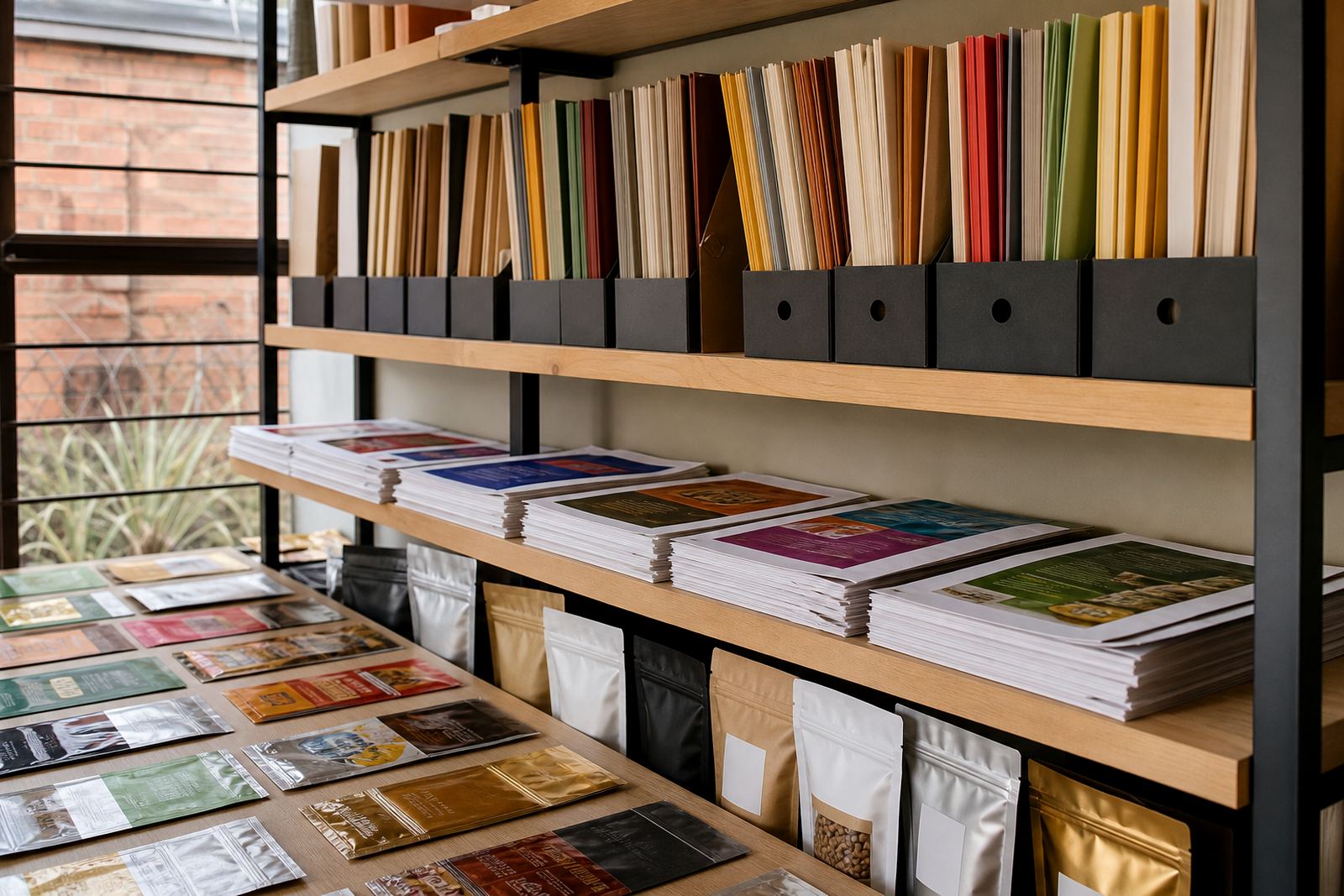
- Keep old drafts separate from live production files
- Note any artwork changes before archiving the job
Why print proof history saves time on repeat pouch jobs
Print proofing is often where a repeat job either stays smooth or starts to slow down. If the previous proof is stored with the job file, production can compare the new order against what was already approved. That is useful for checking small details such as colour balance, logo placement and text spacing.
In flexible packaging, even minor differences can show up once the job is on film. A proof history gives the team something concrete to refer back to instead of relying on memory. It also helps when a customer wants to know whether a shade should be matched to the previous run or adjusted slightly for the new batch.
For example, a client in Pietermaritzburg may reorder wraps for the same product range after a seasonal demand spike. If the proof notes are stored properly, the team can confirm the exact approved look before production starts. That is especially useful when the brand needs consistent packaging across several delivery areas and the stock must arrive ready for packing, not for corrections.
Local conditions that make tidy file records worth the effort
In South Africa, repeat work can be affected by practical issues that are easy to overlook. Load-shedding can interrupt communication and production planning, while coastal humidity can affect how film, labels and finished packs are stored before dispatch. Good file management helps keep the paperwork and the production record in order even when the day is busy.
For a Pinetown business sending packaging across Durban, Ballito, Johannesburg or Cape Town, the dispatch notes should match the file notes. That includes pack quantities, pallet instructions and any special handling needed for moisture sensitive materials. A well kept reorder file makes it easier to plan around transport schedules and municipal delivery rules where access times or offloading areas are limited.
The practical benefit is simple. When the file record is tidy, there is less time spent chasing missing instructions and more time spent getting the job out the door. It also helps if a customer phoned in a reorder and needs the same product again within a short lead time, because the team can move from enquiry to production with fewer hold ups.
How a repeat order flows from enquiry to dispatch
When a reorder comes in through the enquiry form, the best starting point is the previous job reference. That gives the team a clear path to the right artwork, the last approved proof and the production notes. From there, each step can be checked before the job is released.
- Confirm the product type and pack size
- Check the latest approved file against the request
- Review any artwork or colour changes
- Confirm the material and print specification
- Set the production slot and dispatch plan
- Prepare the order for delivery to the correct area
This process keeps repeat ordering orderly for pouches, sachets and wraps. It also helps the client service team answer questions faster, because the file record shows what was done last time and what needs to happen now. For local brands that reorder regularly, that can make planning much easier from month to month.
A Pinetown example of a repeat order done properly
Imagine a Durban food brand that orders sachets every few weeks and wraps for a related product line each quarter. The first order was approved, printed and dispatched with all the correct details. When the next reorder is due, the business sends the enquiry and references the last run. Because the file record is complete, the team can confirm the artwork, review the proof history and proceed without starting from scratch.
That same approach helps when deliveries go to different parts of the country. A repeat order for Cape Town may need the same pack setup as a Johannesburg order, even if the transport schedule is different. With a proper file system, the right version is used every time and the customer gets a more predictable result.
Reorder file management is not glamorous, but it is one of the simplest ways to keep flexible packaging steady and reliable. When the records are clear, the production line has less uncertainty, the client gets fewer surprises, and repeat orders can move with less delay.