
Start With The Final Pack Size
Before you send artwork, confirm the exact finished size of the pack. For flexible packaging, a few millimetres can affect barcode placement, fold lines, seals and the way copy sits on the front and back panels. If the size changes after artwork is approved, the layout may need to be adjusted again.
For pouches, sachets and wraps, send the intended flat dimensions, the seal area, and any gusset or tear notch details if they apply. If your pack is for a product sold in Durban, Johannesburg or Cape Town, the same file setup still applies, but the final print dimensions must match the pack format that will go into production.
- Provide the finished width and height in millimetres
- Confirm seal zones, folds, gussets and cut lines
- State whether the artwork is for a pouch, sachet or wrap
- Include the exact panel layout if the pack has front, back and side panels
Use The Right Artwork Format And Resolution
Send artwork in the cleanest format available. Editable vector files are best for logos, line work and text. Images should be supplied at a high enough resolution so they print clearly when enlarged to pack size. Low-resolution pictures may look fine on screen but can become soft or jagged once printed on film or laminate.
Keep important text away from edges and folds. Small print can disappear into the seal area or become hard to read after converting. If you are not sure whether the image quality is suitable, send the original file set rather than a screenshot or a compressed image. That saves time during Artwork Prep and Print Proofing.
- Use vector artwork where possible for logos and shapes
- Supply images at print quality, not web quality
- Avoid screenshots, WhatsApp exports and flattened images where possible
- Keep body text large enough to read clearly on the finished pack
Build In Bleed, Safe Area And Trim Marks
Flexible packaging is cut and sealed after printing, so the artwork must allow for movement at the finishing stage. Bleed gives extra image beyond the final cut line, while the safe area protects key information from being trimmed or distorted. Trim marks help define where the final pack is cut, but they should not sit too close to the artwork itself.
A clean file should show where the print extends, where the final edge will land, and where text must stay clear. If a design runs full bleed, extend backgrounds and images past the cut line as instructed in your layout. If not, white edges may appear after cutting and converting. That is often the kind of detail that only shows up when the job is already on press, so it is worth checking early.
- Include bleed around all outer edges
- Keep critical text and logos inside the safe area
- Mark cut lines and fold lines clearly
- Do not place important details close to seals or tear points
Set Colours For Flexo Printing
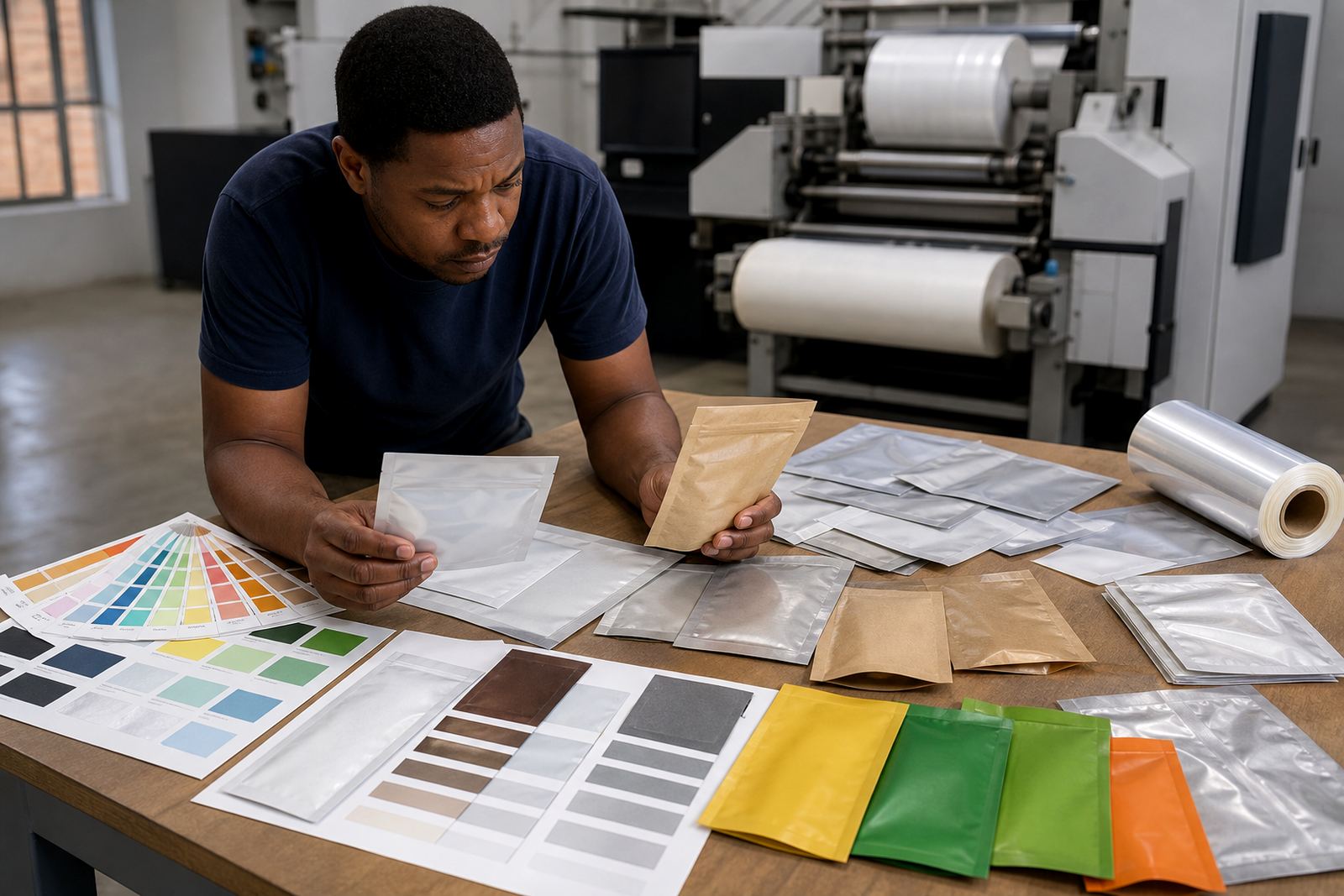
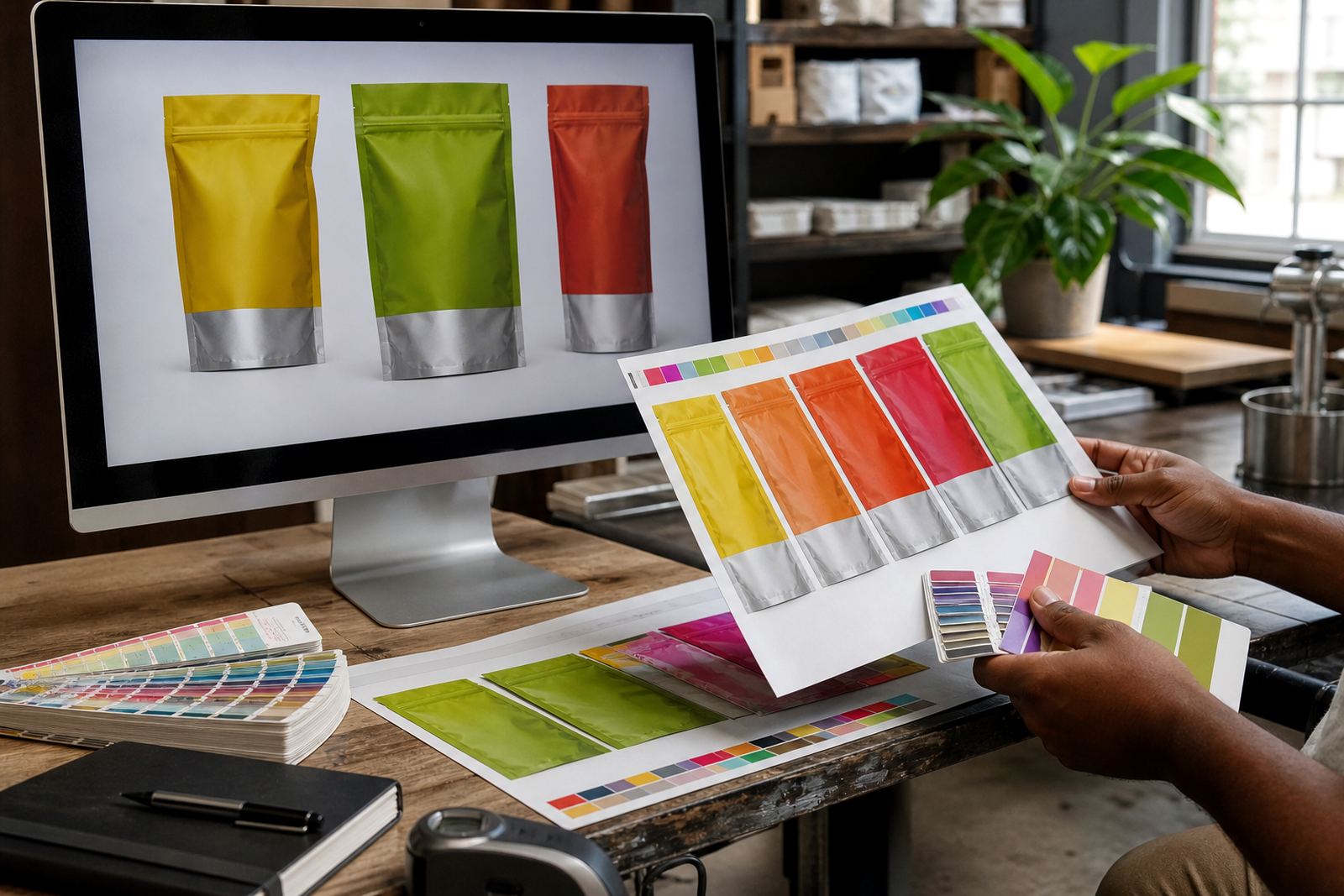
Colour on flexible packaging must be handled carefully. What looks fine on a monitor may print differently on film, paper or coated substrate. If your brand uses specific colours, give the references used in your artwork file and keep them consistent across versions. Colour matching also needs to take the chosen material into account, because the same ink can shift slightly on different surfaces.
If the job includes solid blocks, fine gradients or small reversed text, let the prepress team know. These details may need checking in proofing before the run starts. In coastal areas like KwaZulu-Natal, humidity and temperature can also affect handling, so clear approval and correct file setup help keep production moving. Load-shedding can interrupt admin and scheduling too, so final files should be complete and ready when the job is released.
- Use consistent colour references across all pages or panels
- Flag any metallic, tint or gradient effects early
- Check reverse text and fine lines for readability
- Expect small colour shifts between screen and print
Check Text, Barcodes And Legal Copy
Packaging artwork often carries a lot of information in a small space. That includes ingredients, usage notes, batch areas, barcodes, weight declarations and other legal copy. Everything must fit neatly without crowding the design. A typo in a small text block can be expensive to fix once the job is approved, so a careful final read is worth doing.
Make sure all text is spell-checked and that barcode numbers match the artwork exactly. If your pack needs a variable area for batch coding or date coding, leave space for it in the layout. For repeat production, keep the approved version saved cleanly so the next run starts from the same file. It saves time for the team in Pinetown and helps avoid confusion when orders are dispatched to Pietermaritzburg, Ballito or further afield.
- Proof all spelling, weights and pack claims
- Confirm barcode size and placement
- Leave a clear area for batch or date coding
- Keep one approved version for repeat orders
What To Send Before You Submit The Job
When your file is ready, send the full pack information together with the artwork. The more complete the handover, the smoother the review. If you are still deciding on material selection or pack style, include those notes too. That helps the team advise whether the layout suits a pouch, sachet or wrap and whether anything should be adjusted before proofing.
Use this checklist before you submit:
- Final pack size and format
- Artwork file in the best available format
- Images and logos at suitable quality
- Colour references and brand notes
- Text copy checked and approved
- Barcode details if used
- Any special instructions for seals, finishes or coding
If you are unsure about any part of the setup, ask before the file is signed off. A quick check at the start is usually easier than fixing artwork after plates, proofs or production dates have already been set.
Approval, Proofing And Repeat Runs
Once the artwork is set up, a proof is used to check the layout before print. This is the stage to catch anything that looks too close to a fold, too small to read, or off in colour balance. Take your time here, because approval means the file is ready to move forward. After approval, later changes can affect timing and may require a fresh proof.
For repeat production, keep the same file structure, naming and approval notes on record. That makes future orders faster, especially for local brands balancing stock in Durban, Johannesburg and Cape Town. Good file habits also help when teams change or when a design needs a small update for a new batch. A tidy file now can spare a lot of back and forth later, no matter if the order is for a short run or a regular dispatch.